 Icefish
A better way to browse
Open, drop, or choose a folder. Move through nearby images with previous and next controls, smooth zooming, and hand-pan navigation.

Icefish Photo
macOS 15+
Browse local images quickly, make simple edits without leaving your Mac, and unlock powerful Vision-based tools when you need them.
On the Mac App Store
Icefish Photo
Open, drop, or choose a folder. Move through nearby images with previous and next controls, smooth zooming, and hand-pan navigation.
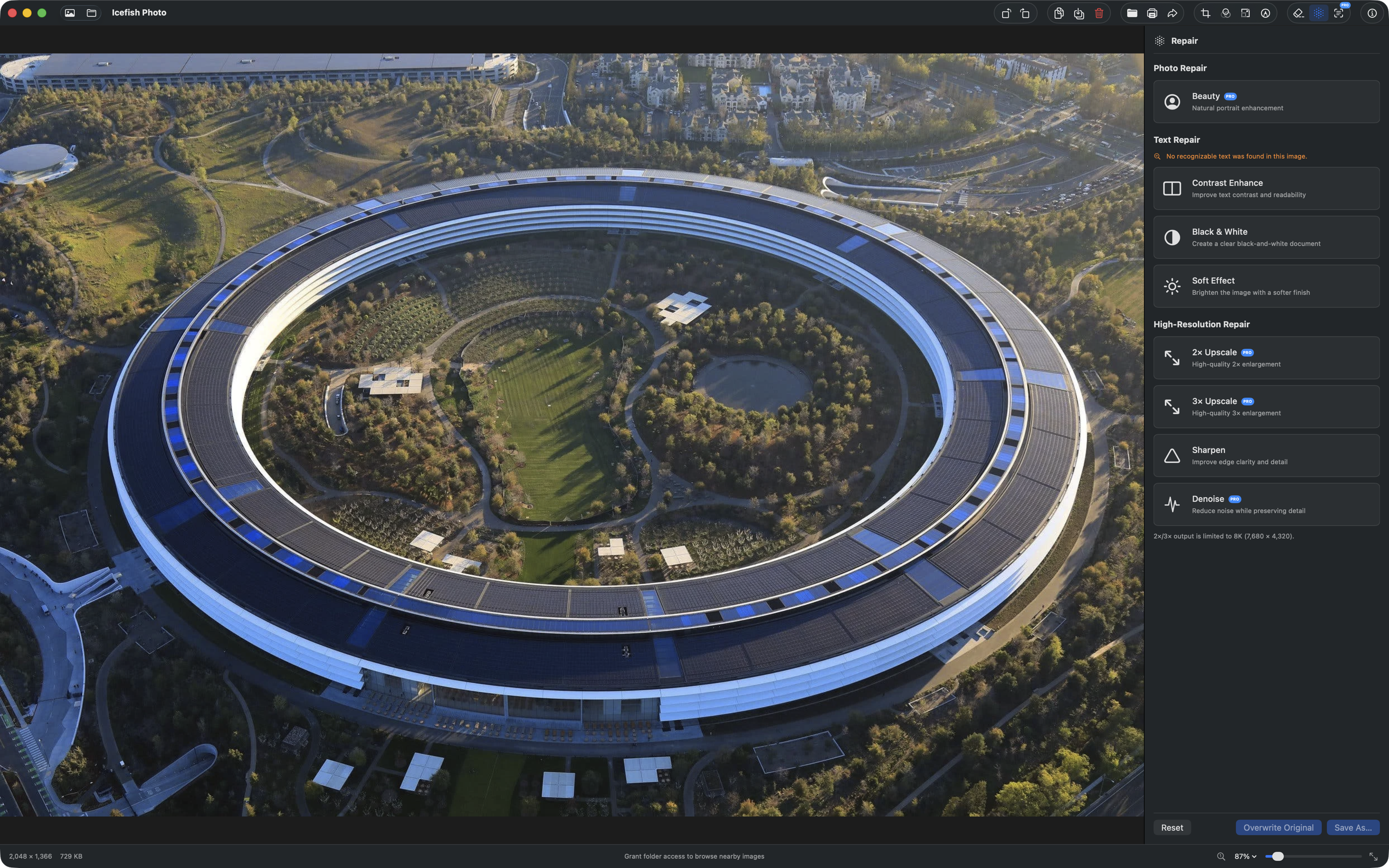
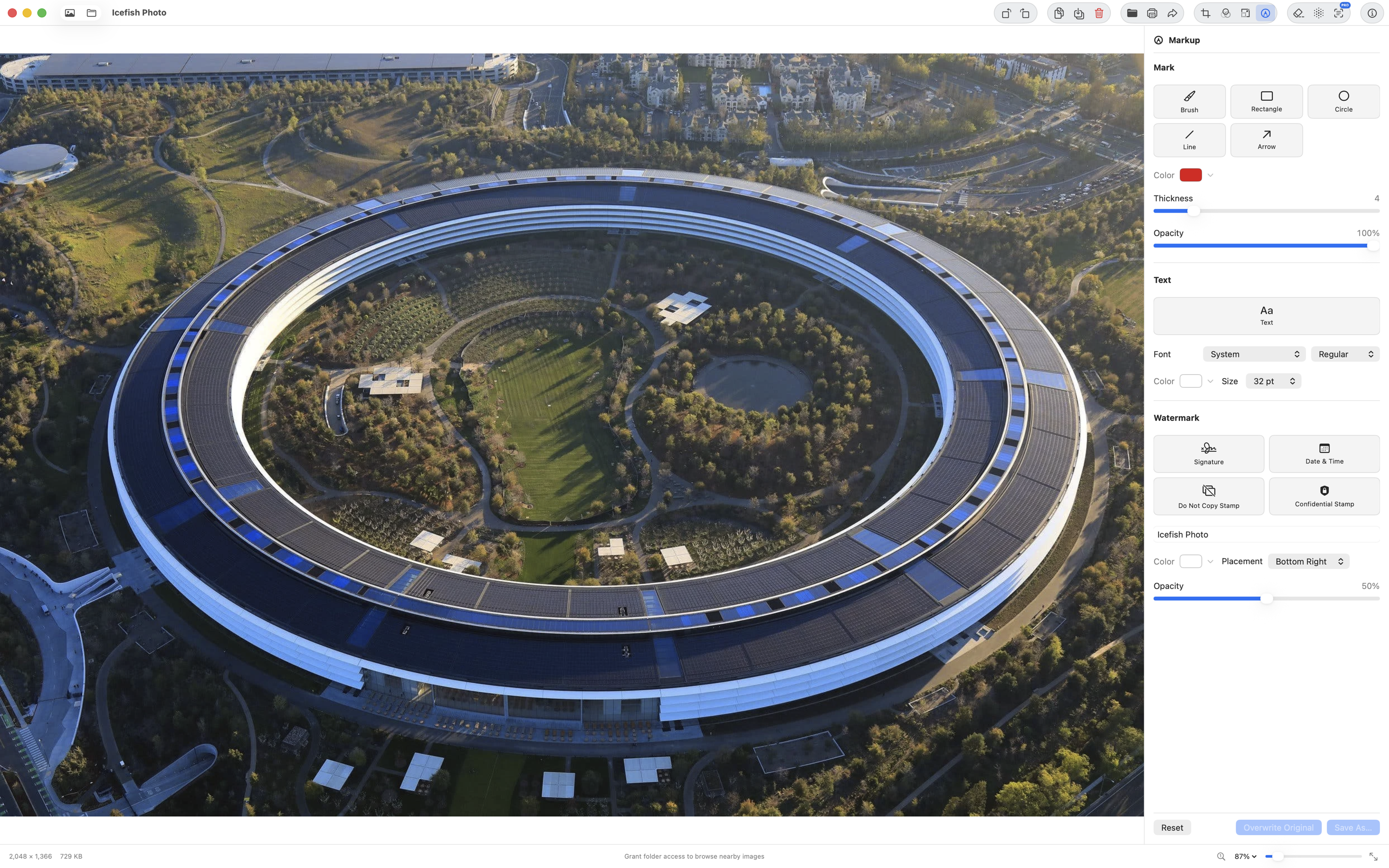
Rotate, crop, mirror, adjust color, resize down, add text or markup, erase distractions, and export without leaving the viewer.
Vision, Core Image, Accelerate, Metal, and the App Sandbox work together on your Mac for responsive, private image work.
The everyday viewer and core edits are free. Pro adds OCR, high-quality upscaling, Beauty, denoise, background tools, and more with no subscription.
Everything you need for everyday viewing and simple edits.
One lifetime purchase. No subscription. No recurring charge.
Icefish Photo ("the app") is a native photo viewer and light editor for Mac, developed and published by Icefish Limited. We designed it to be private by default.